
Usage requirement not completed
Deposited value may still need to be used on upgrades or other supported platform actions before related items can be withdrawn.
Understand the Upgrader.pro withdrawal process, including Steam delivery, eligibility checks and the usage requirement tied to deposited funds.
Upgrader.pro's Terms state that items can be withdrawn via an API bot on Steam. The account dashboard also has a dedicated Withdrawn area, making the Steam account an important part of the withdrawal flow.
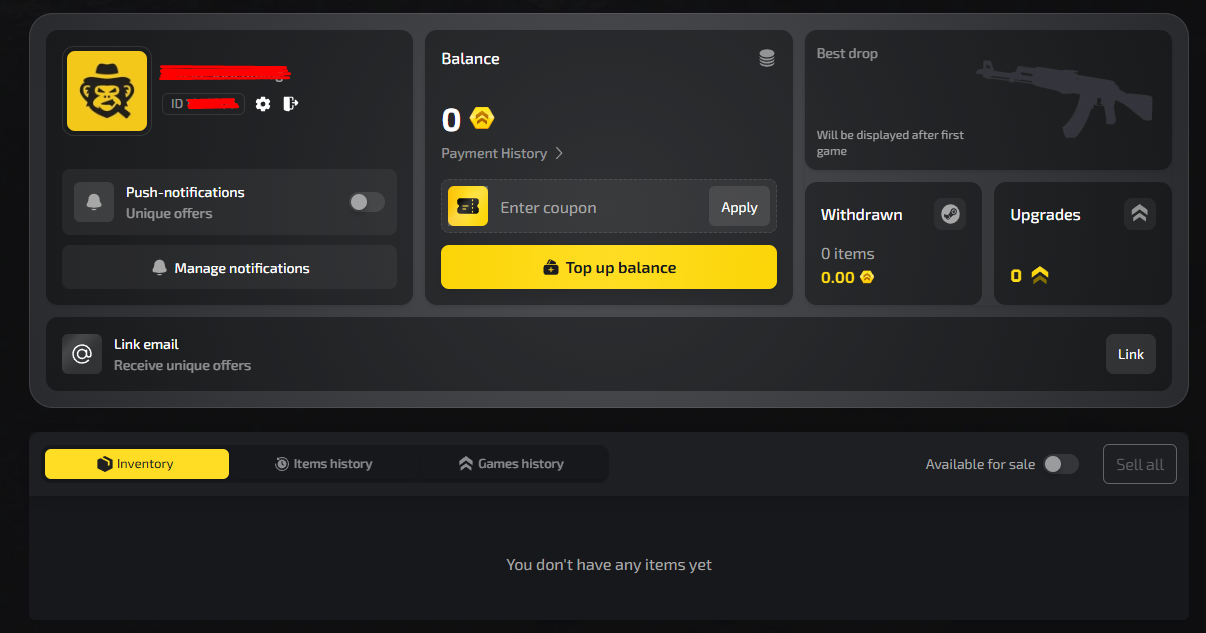
Upgrader.pro requires Steam authorization. Make sure the account you intend to receive items on is the one connected to your Upgrader.pro session.
Eligibility can depend on the source of funds and whether the required platform usage has been completed.
Use the withdrawal/inventory controls shown in the live account. The Terms describe the delivery mechanism as a Steam API bot.
Check the item and sender details carefully in Steam before accepting any trade offer.
Open your Upgrader.pro account to see which items are currently eligible for withdrawal.
For items acquired using deposited funds, the Terms require users to perform supported platform actions in an amount not less than the corresponding balance top-up. Each top-up is counted separately, and new top-ups increase the total required usage.
Until the minimum requirement is fulfilled, withdrawal, exchange or another extraction of value may be restricted. This is one of the most important conditions to understand before making a deposit.
These conditions begin with the way funds enter the account, so the deposit process and the current Terms should be checked together before topping up.
Deposited value may still need to be used on upgrades or other supported platform actions before related items can be withdrawn.
Steam-side trade restrictions or protection rules can affect how quickly an item can be moved.
The Terms allow identity verification in certain financial or security situations, including suspicious activity or transaction thresholds.
Abrupt IP changes, repeated failed logins or other suspicious activity can trigger account restrictions while the platform checks the account.
The Terms describe refunds separately. A refund may be possible only when deposited funds have not been used, the request falls within 14 calendar days, and the user follows the required verification process. Refunds are returned to the original payment method. Bonus funds, promo codes, gifts and cashback are not eligible for refund under the stated policy.
If a payment was charged twice or another technical payment error occurred, the Terms ask users to contact support within 72 hours for checking.
The current Terms state that items can be withdrawn via an API bot on Steam.
The Terms describe a minimum usage requirement tied to each balance top-up before items acquired with deposited funds can be withdrawn.
Yes. The Terms state that the amount of a new top-up is added to the total required usage amount.
Refunds are governed by separate conditions, including non-use of deposited funds, a 14-day window and identity/payment verification.
The Terms instruct users to contact support within 72 hours in cases such as duplicate charges or API failures.
Information updated: August 17, 2026