
Deposit
Top-ups can use supported cards, crypto assets or skins, with the current methods and timing notes shown under Upgrader.pro deposits.
A practical walkthrough of the Upgrader.pro account, balance, CS2 upgrades, deposits, Steam connection and withdrawal flow.
Upgrader.pro is a CS2 item platform built around skin upgrades and an internal balance. Its current Terms state that Steam authorization is required to use the site and that the account area displays balance, transaction history and access to platform features.
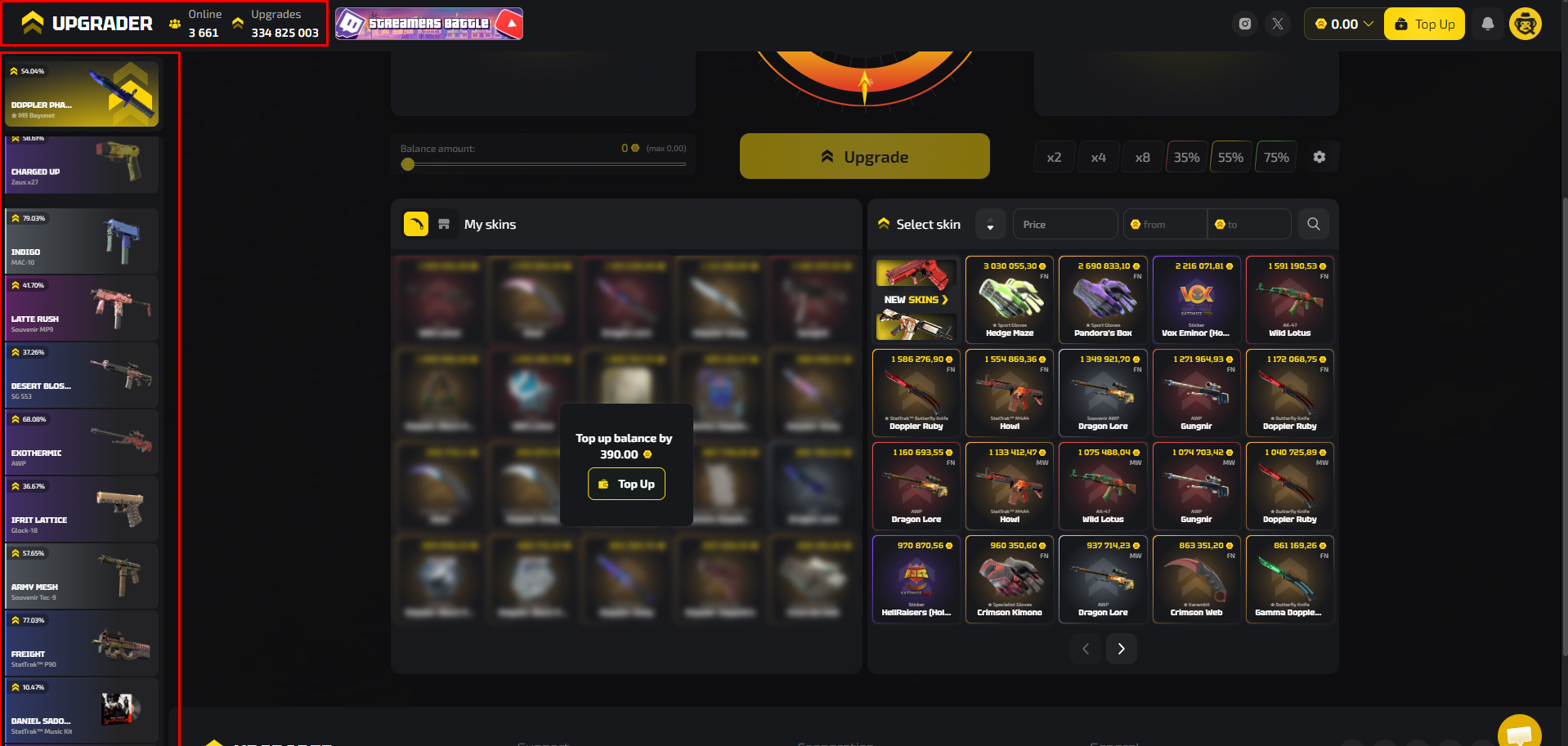
Upgrader.pro requires Steam authorization. The platform does not describe itself as affiliated with Valve or Steam.
Users can top up through the methods visible in the deposit interface, including cards, crypto and skins. The internal balance is shown in Coins.
Choose the input value and the target skin. Price controls and search help narrow the available target items.
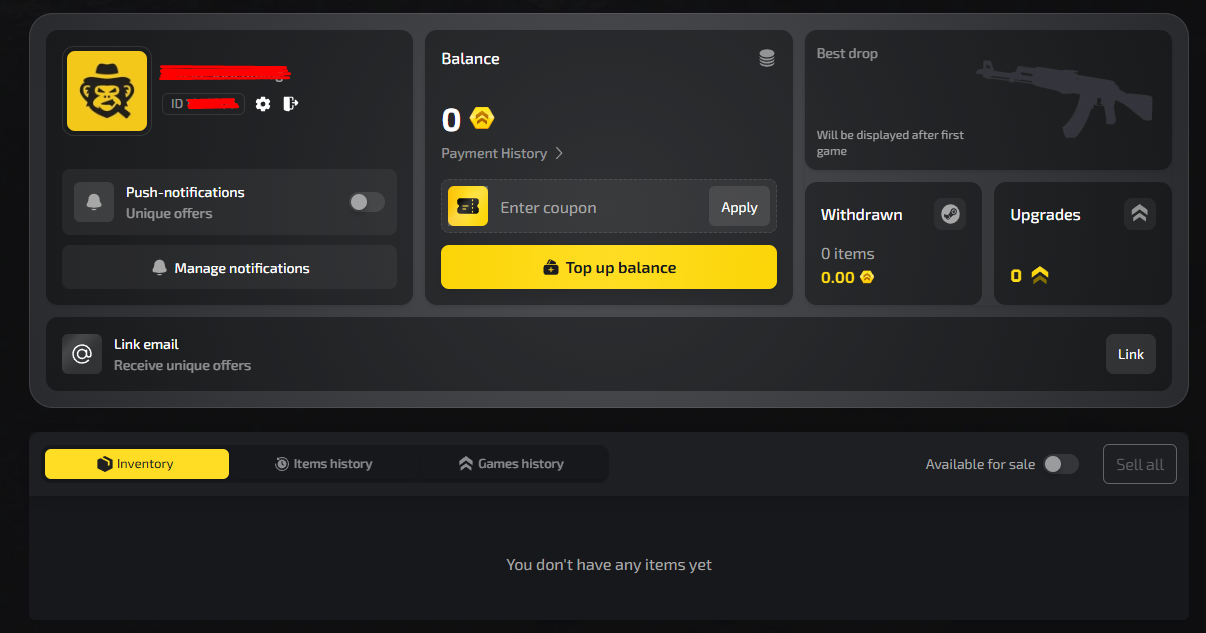
The dashboard provides access to payment history, inventory, item history, game history, withdrawn items and upgrade counts.
Start Upgrading to check the current inventory, target skins and upgrade controls.
The account dashboard separates balance, payment history, inventory and activity. It also includes a coupon field, top-up action, notification settings and an option to link an email for offers.
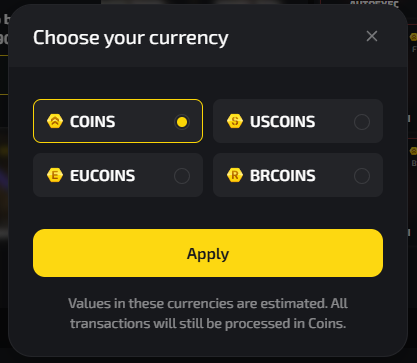
The interface lets users view estimated values as Coins, USCoins, EUCoins or BRCoins. It states that values in those currencies are estimates and transactions are still processed in Coins.
Top-ups can use supported cards, crypto assets or skins, with the current methods and timing notes shown under Upgrader.pro deposits.
Use balance or selected items to choose a target CS2 skin and check the displayed success chance.
Use the dashboard to check payment history, inventory and previous activity.
Eligible items can be withdrawn through a Steam API bot. Deposited value may need to be used on platform functions before withdrawal is available.
After a balance is available, the CS2 skin upgrade uses the selected value and target item; eligible items can later move through the withdrawal process to Steam.
Check the current HELLAGOOD promo code before your next top-up.
Yes. The current Terms state that authorization through Steam is required to use the website.
The Terms describe the balance as internal conventional units used within the platform for purchases, upgrades, contracts and other supported functions.
The current interface includes Cards, Crypto and Skins tabs in the top-up flow.
The account dashboard includes an Enter coupon field, while the top-up interface also displays a promo code input area.
The Terms state that items can be withdrawn via an API bot on Steam, subject to platform requirements.
Information updated: August 17, 2026